I Jailbroke My Kindle and Why Everyone Should Too
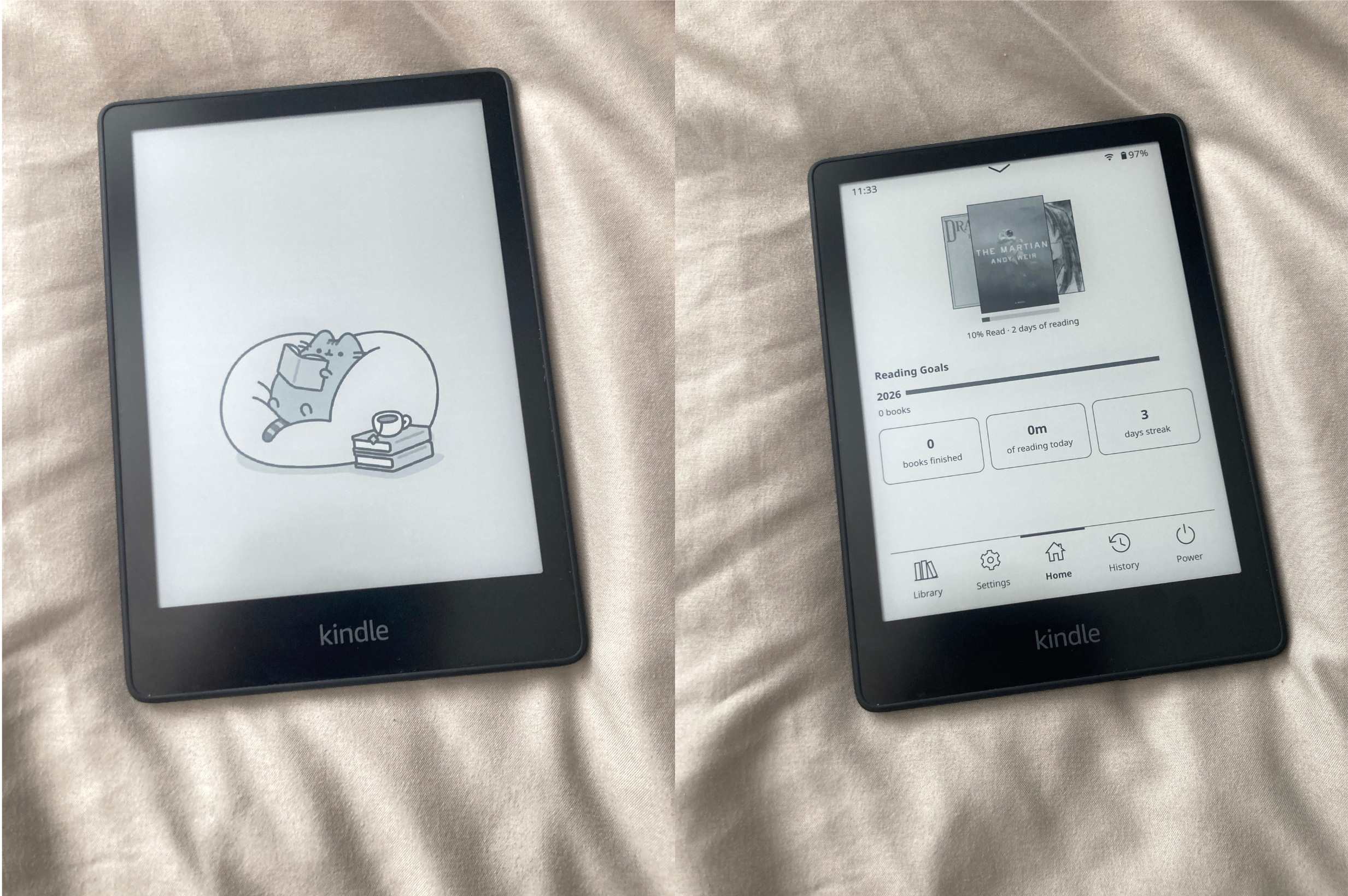
I was sick and tired of Amazon limiting what I could do with my own device. I just wanted to be able to read my own ebooks without amazon’s level of enshitification i wanted to own the ebooks i paid for not have on a long term license its my device i should be allowed to do what i want with it
Why Jailbreak?
Amazon’s Kindle is a great e-reader, but it’s locked down. You’re stuck with:
- Ads on the lock screen (unless you paid extra to remove them)
- A limited file format selection
- No customization
- No way to read RSS feeds or news directly
- A terrible experience for manga
Once you jailbreak, none of that applies anymore. You can do what you like.
What I Wanted It For
After jailbreaking, my Kindle became something actually useful:
- Reading manga — properly, with a decent experience
- Custom wallpapers — make it actually look good
- RSS feeds and news — read my sources directly on the device
- More file formats — no more converting everything
The possibilities are genuinely endless.
The Process
I used Penguin184’s Springbreak jailbreaking script. Honestly, I expected it to be complicated but it was so easy I just ran the script on my mac and it was quick and easy.
TIP
I would recommend using Kindle Modding.org’s guide it really helped out.
Was It Worth It?
Absolutely. I spent years being frustrated with a device I owned but couldn’t control. Now it actually does what I want.
If you have a Kindle and have ever thought “I wish I could just…” — jailbreak it. You won’t go back.